@Tracker
Routes, workouts and statistics.
Apps
Aurelius Technology B.V. develops small, focused apps that do one job well: @Tracker for routes and training, and @Design Studio for clear diagrams on the Mac.
Routes, workouts and statistics.
Flowcharts and diagrams.
Products
@Tracker is sporty and motivating: it comes along during training and makes progress visible. @Design Studio is a calm, native Mac app for anyone who wants to create a clear diagram quickly, without heavyweight software. Both apps are developed and published by Aurelius Technology B.V.
@Tracker
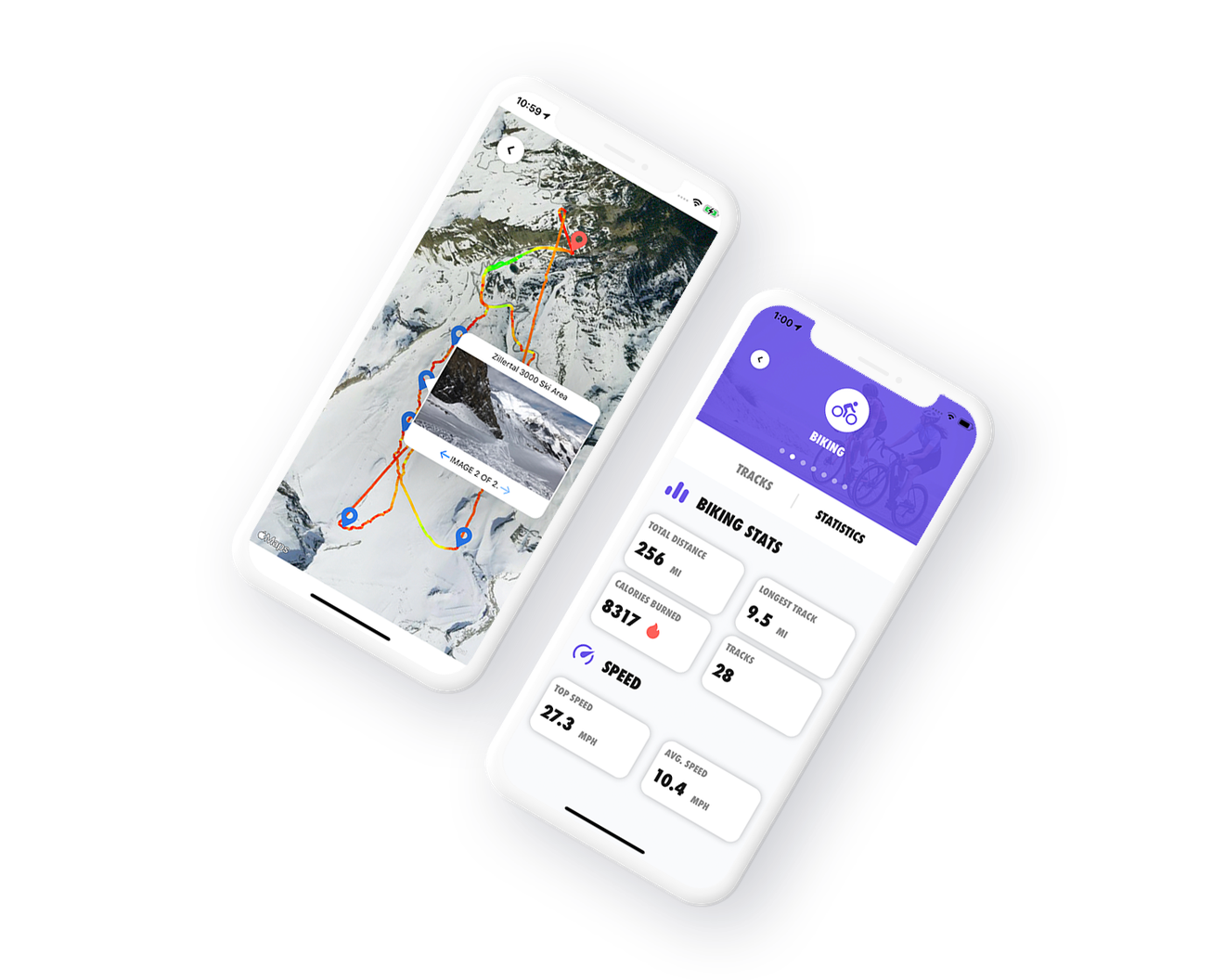
For running, cycling, skiing, rowing and hiking — on iPhone and Apple Watch. Record your route, view relevant statistics, set up workouts and follow your development over time.
@Design Studio
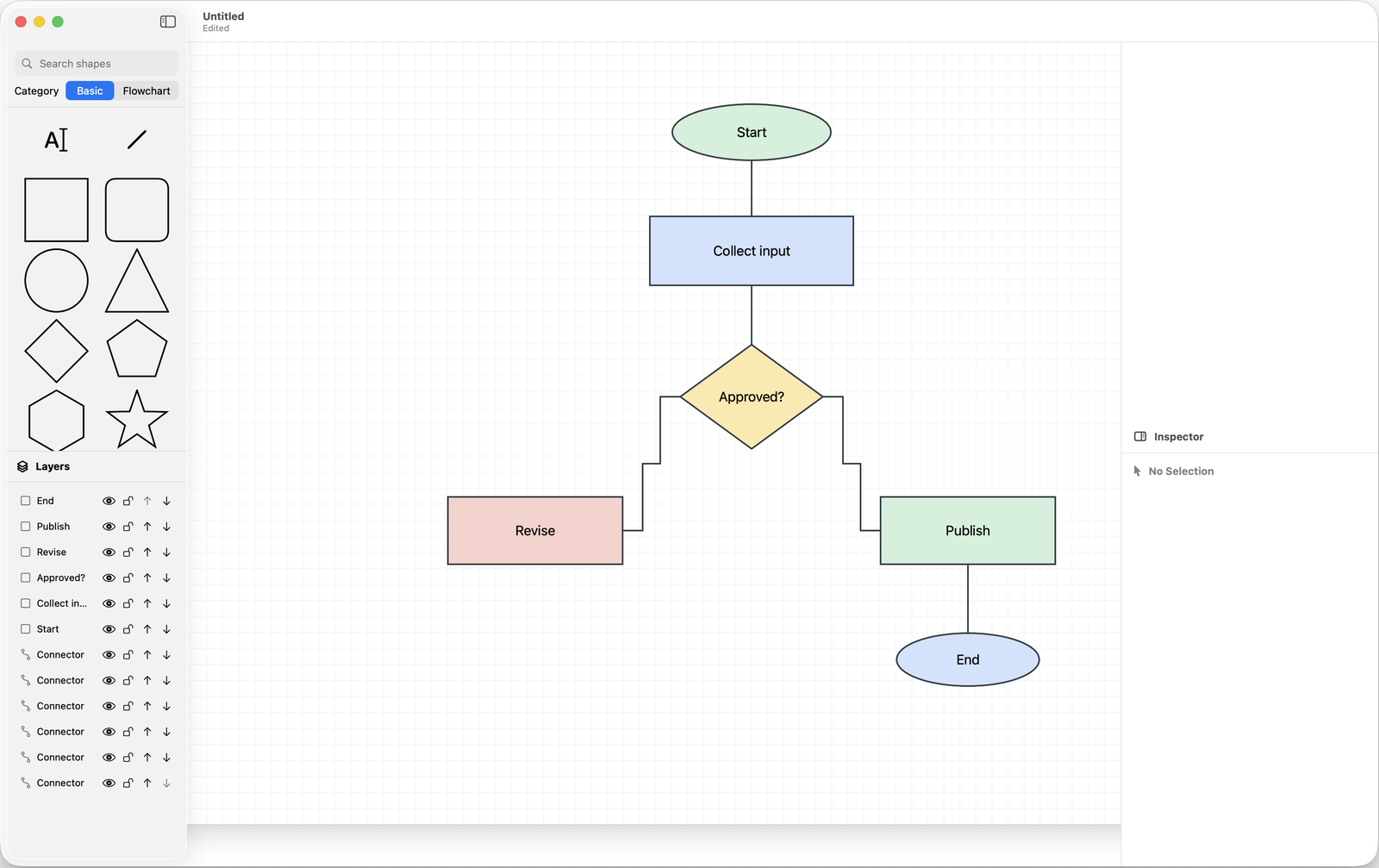
A native Mac app for flowcharts, process maps, decision flows, app architecture sketches, simple organisation charts and planning diagrams — no account, subscription or cloud setup.

@Tracker
During the activity you see where you are and how you are performing — on your iPhone or straight from your Apple Watch. Afterwards you analyse route, pace and progress, so every training session contributes to the next goal.

@Design Studio
Start from a blank canvas or a starter template. Add shapes, text and connectors, work with layers and grouping, and export your diagram as PNG or PDF.
.dsdoc files and no account required.@Design Studio features
Exactly the tools you need to sketch, organise and share ideas — without turning a quick task into a big design project.
Choose a starter template or begin with a blank canvas. Add shapes, free text and connectors.
Use align, styling, layers, grouping, lock, hide, reorder, undo and redo to refine the diagram calmly.
Export the full page or just your selection as PNG or PDF for documentation, planning or meetings.
Privacy
@Tracker stores data locally on your iPhone and backs up your tracks to your own iCloud — nothing goes to Aurelius servers; the official App Store privacy label reads "Data Not Collected". @Design Studio is built as a local macOS document app: diagrams are stored locally or in folders chosen by the user, and the app collects no user data. Read more in the privacy statement.
@Tracker
The basic functionality is free. Unlock additional features with a one-time in-app purchase — no subscription and no automatic renewal. Works on iPhone and Apple Watch.
@Design Studio
No account, no subscription and no cloud setup: a local document app for quick, clear diagrams. Want to be notified at release? Let us know via the contact page.
Keep me posted